 REALLYFULL GAMES
Real-time cooperation
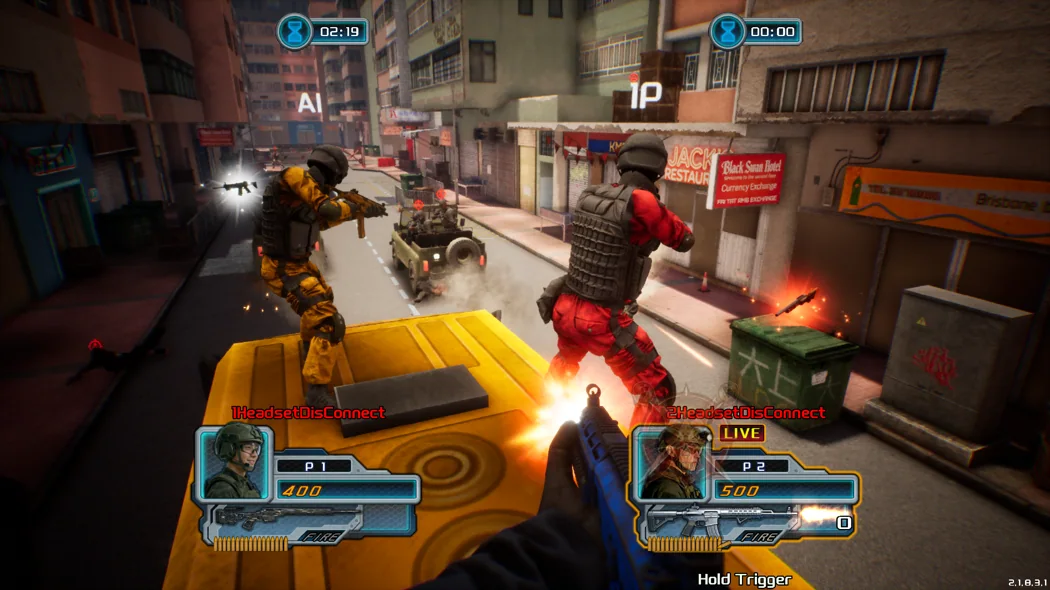
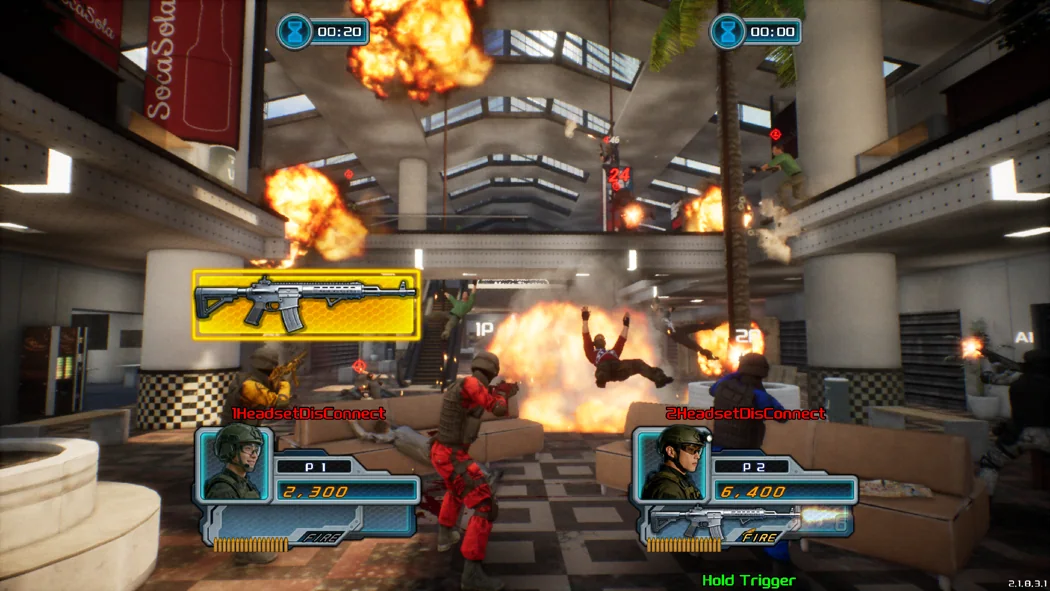
Two players take on the same round and work through fictional urban missions together.
Commercial VR shooting arcade machine
Two players. No wearable headset.
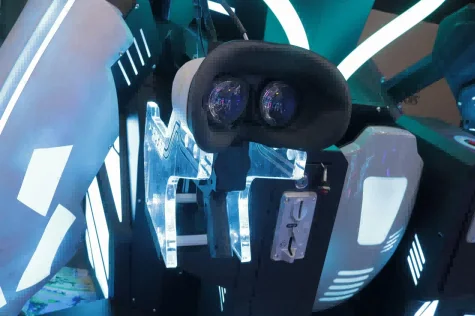
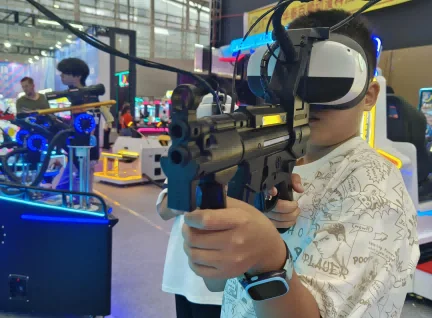
A headset-free VR shooting machine for two players. Look through the VR headset integrated into each handheld controller and play together in real time.
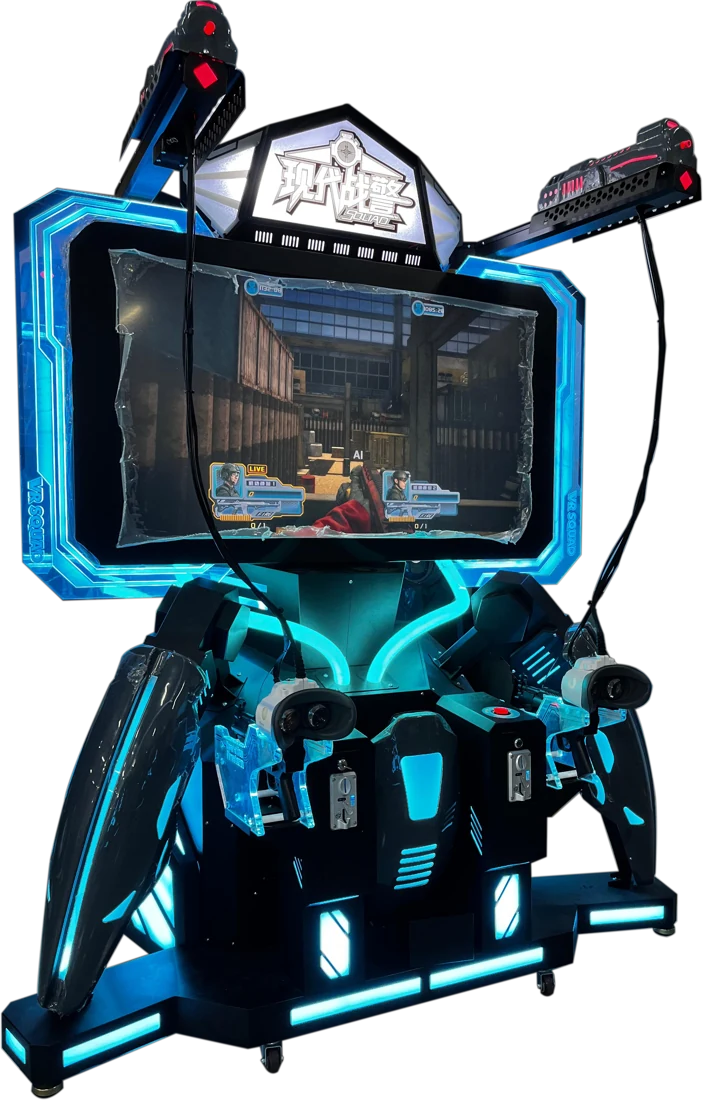
Two players take on the same round and work through fictional urban missions together.
Players hold the controller up to their eyes and can adjust the lens spacing if the image is blurry.
The game shows the action from each player’s perspective and from an overhead view.
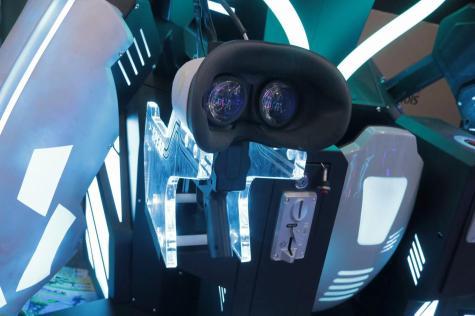
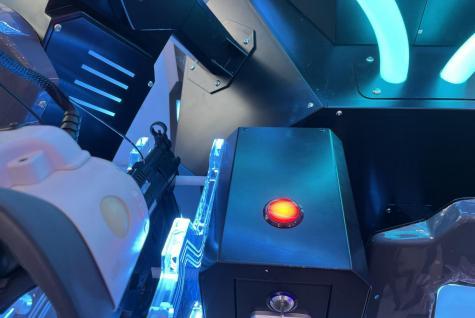
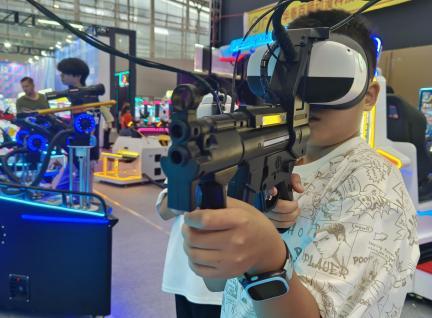
For indoor arcades and entertainment centers.
Designed for indoor use on a level floor. Operators can adjust game volume, demo volume, coin credits and timed play settings.
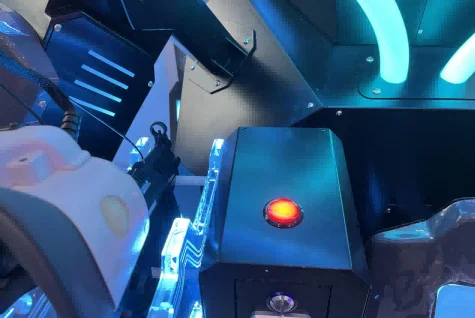
Insert coins, press the red start button, then use the handheld VR headset to begin play.
Place the machine on a level floor and check the venue’s electrical supply before installation.
VR SQUAD is a two-player cooperative arcade shooter. Players take on the role of an elite response team and work together through five fictional urban missions, from rescuing trapped civilians to entering a fortified shipping terminal.
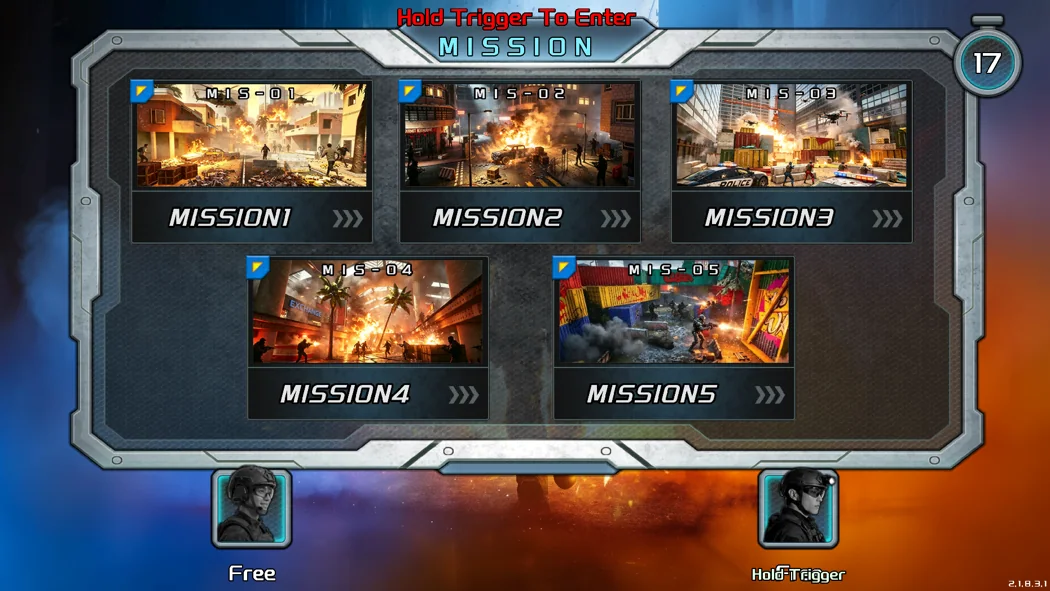
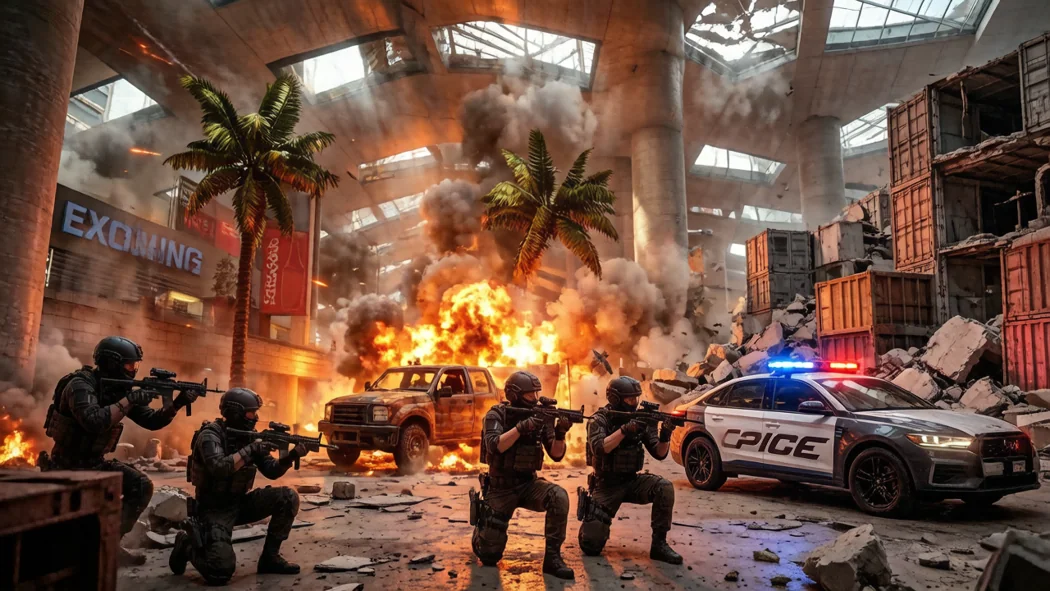
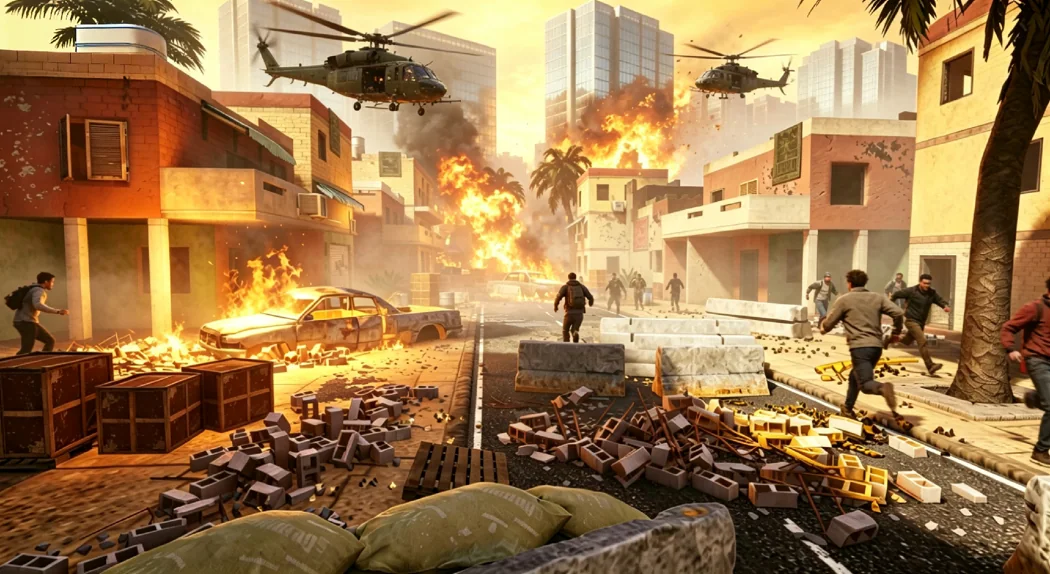
Damaged streets and blocked evacuation routes leave civilians trapped. The team works its way through the ruins to rescue them.
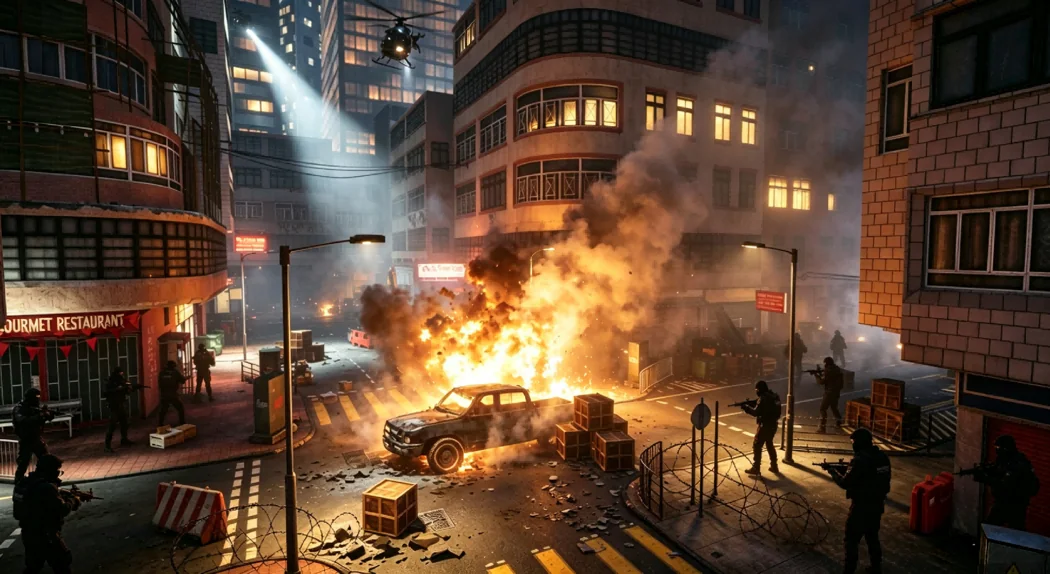
An attack and a series of vehicle explosions throw the city’s main road into chaos. The team responds before the situation spreads.
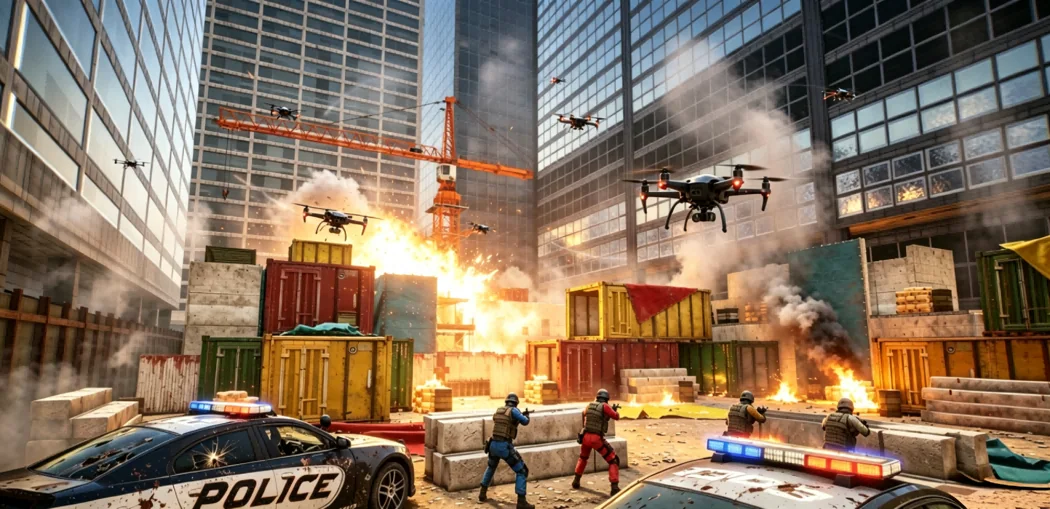
The container yard hides an ambush. Cranes and drones give the mission threats at different heights as the team advances through the port.
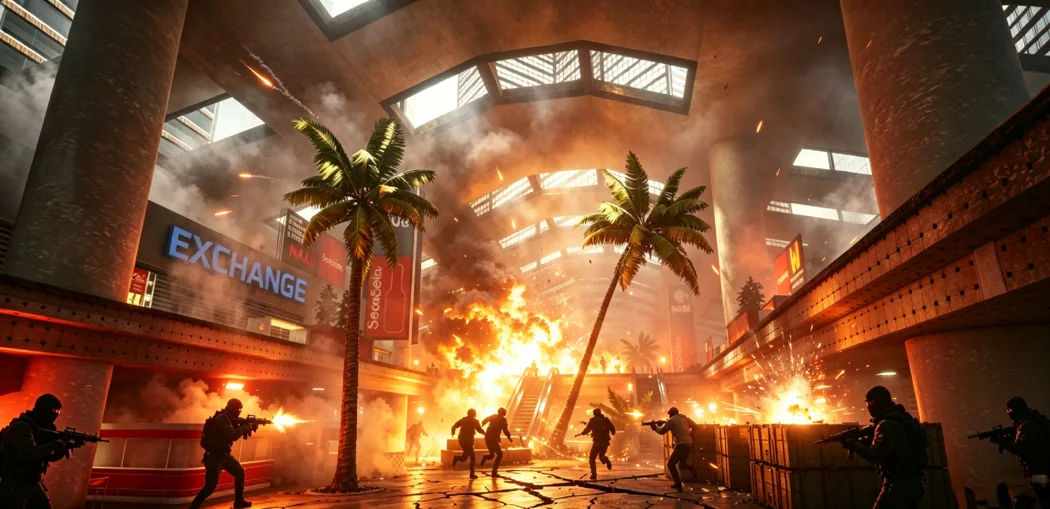
A bustling exchange turns into an indoor firefight, with close-range encounters in its enclosed spaces.
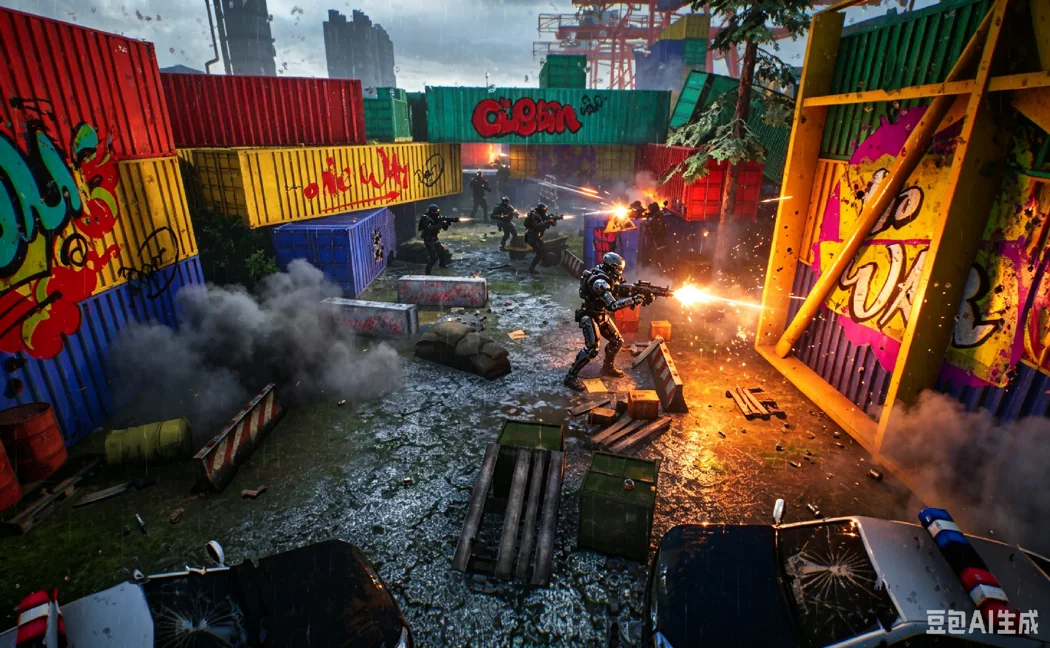
The fictional New Era group has seized a shipping terminal. Team Thunder enters the site to disrupt the group’s operations.
The game presents the action from each player’s viewpoint. The overhead view shows a broader area, so visitors can see how the two perspectives relate to the same scene.
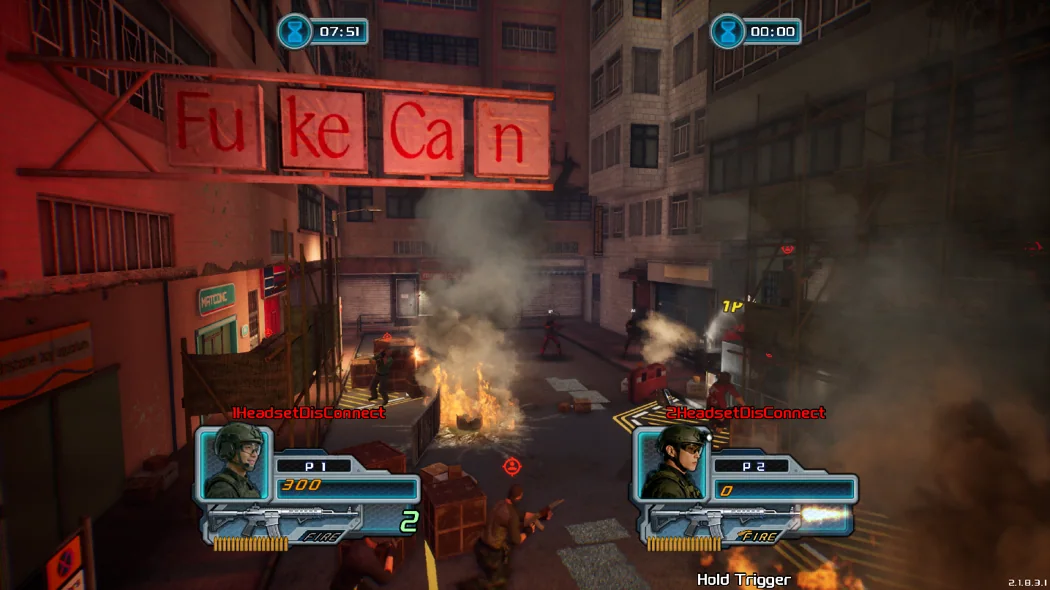
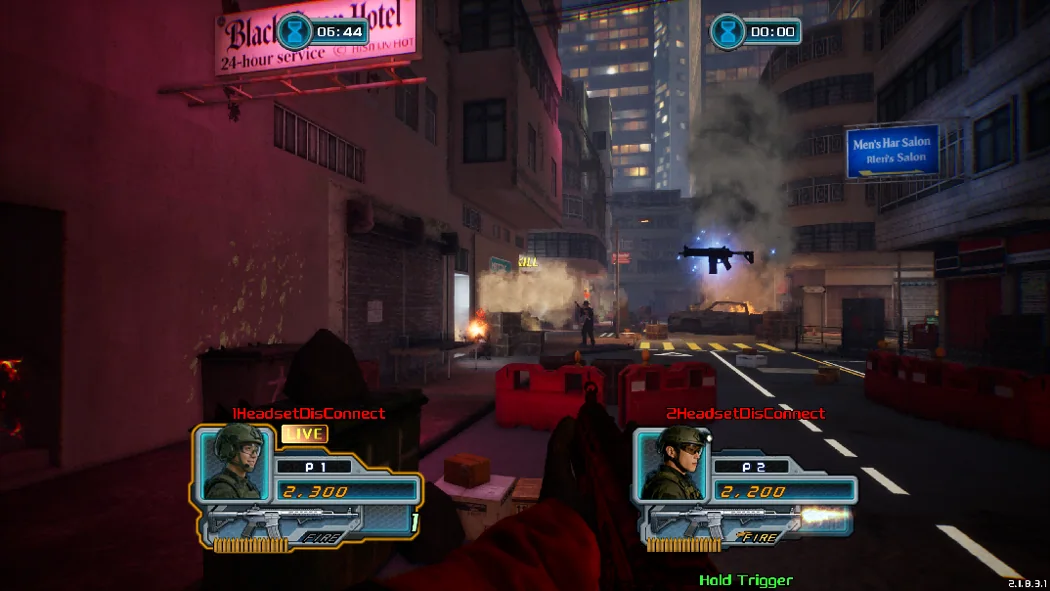
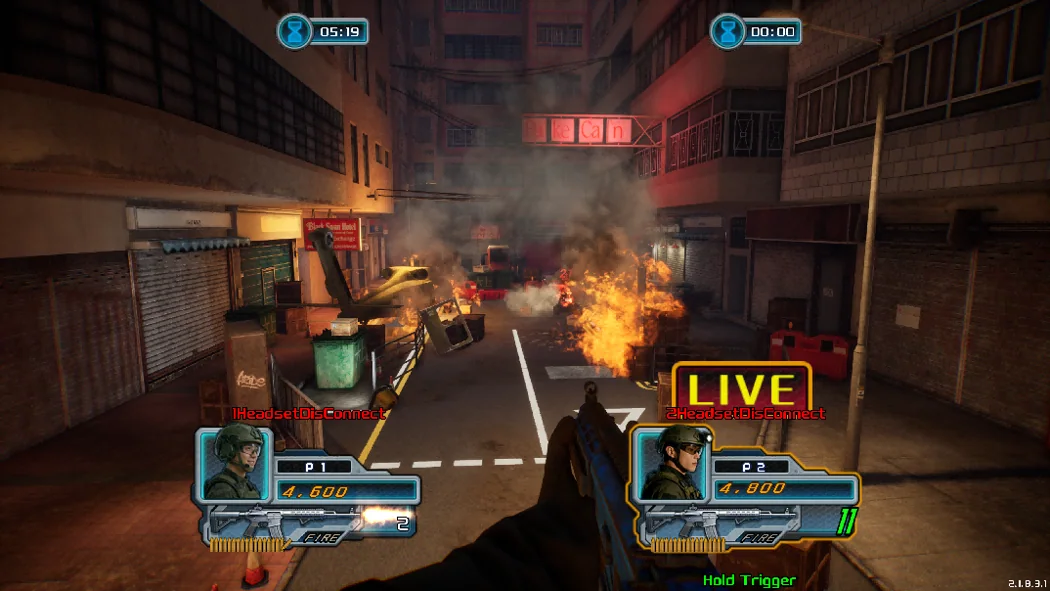
Virtual items and weapons appear at random during play. The game includes digital shotguns, electromagnetic weapons and rifles, with different effects in the game.